How Integrators Choose and Deploy RFID Key Cabinets in Real Projects
Starting With the Right Cabinet
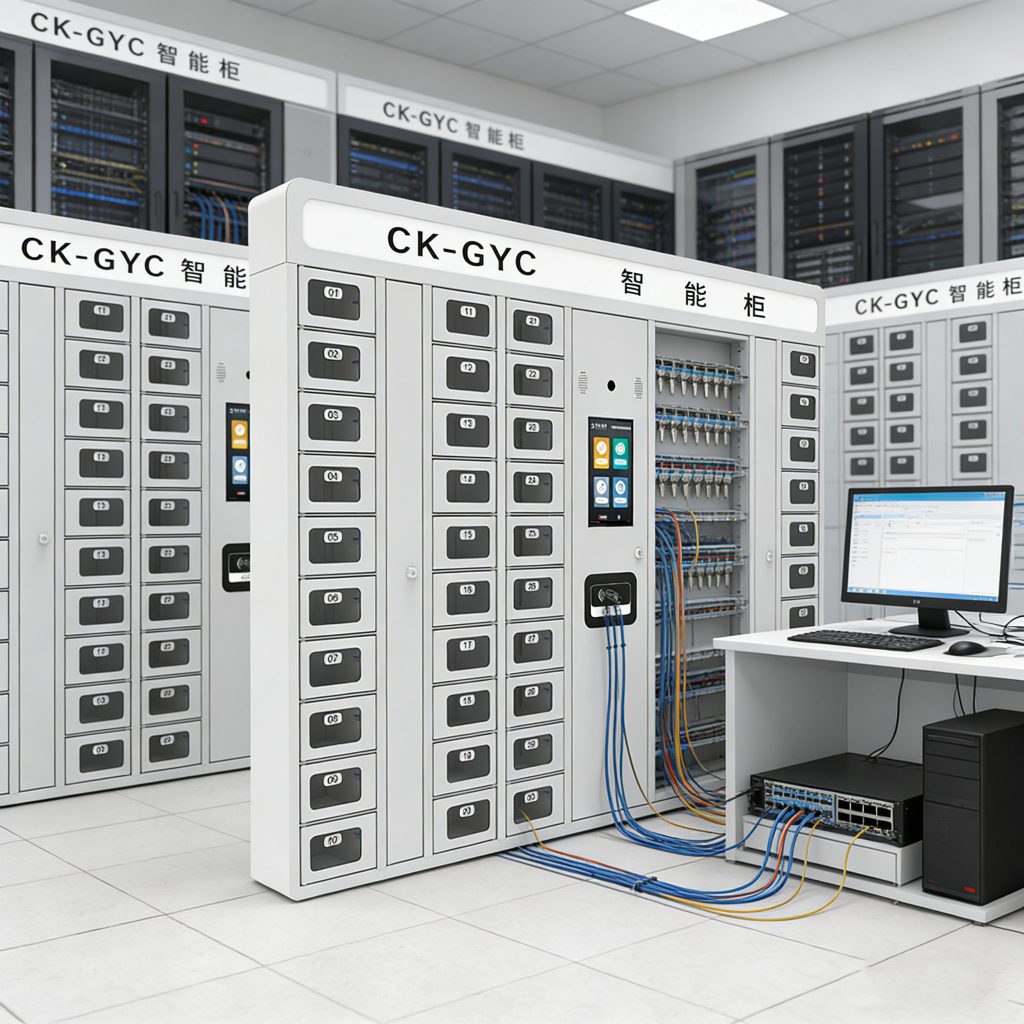
Picking the cabinet isn’t just about size or slot count. We once had a mid-sized office that thought any cabinet would do. Installed a small CK-GYC50 and quickly realized they needed more capacity. For bigger facilities, the CK-GYC100 or CK-GYC Smart makes sense. The hardware itself is simple, but the devil is in the details — connectivity, authentication options, and logging features. Some buildings have legacy access cards, others want biometrics. Matching the cabinet to those realities saves a lot of headaches later.

Integrating With Existing Systems
A cabinet on its own isn’t much use in multi-site operations. One project had five buildings, each with different staff schedules. We linked CK-GYC Smart cabinets over the network and synced user permissions to the central management software. Suddenly, property managers could see who had which keys at any time without calling staff or walking around the buildings. Logs went straight into the existing dashboard, making audits fast and painless.
Network and Power Are Often Overlooked
You’d be surprised how often simple things get forgotten. Cabinets need stable Ethernet or Wi-Fi connections, and backup power is crucial. In one hospital deployment, we added a small UPS behind each cabinet. A power flicker shouldn’t stop someone from getting a key in an emergency. We also had to configure local caching so logs wouldn’t get lost if the network dropped for a few minutes. Those tiny details make the difference between “it works” and “it fails when you need it most.”
Placement Matters More Than Specs
Where you put the cabinet is surprisingly important. Too high, and staff can’t reach keys easily. Too hidden, and people waste time finding it. Some offices installed cabinets near the main security desk, others by the maintenance office — it depends on the workflow. We even had a site where a small camera was added above the cabinet, not for surveillance per se, but so managers could quickly verify that keys were being used properly without walking over.
Logs and Operational Insights
Once the system runs, it produces more than just security data. We can see which keys get used most, who forgets to return keys, and which units require frequent access. In one property management project, this allowed the client to reassign staff shifts and optimize workflow. Integrators often underestimate how valuable these usage patterns are until they see the difference on-site.
Why Integrators Recommend Smart Cabinets
At the end of the day, the choice of cabinet comes down to practical needs. CK-GYC50 is great for small offices, CK-GYC100 for mid-size multi-floor sites, and CK-GYC Smart for multi-site or networked operations. It’s not flashy, but it works. Fewer disputes, fewer lost keys, and clear audit trails. Staff don’t need to learn complicated procedures, and managers finally have a handle on key control. For integrators, that’s a solution that speaks for itself.


评论
发表评论