RFID Scanner USB That Actually Makes Sense on Desk
I’ve handled a lot of RFID readers over the years, and I’ll say this upfront:
most of them are overkill for desk work.
You sit down to encode a few hundred rfid tags — library labels, retail shelf rfid tags, event badges — and suddenly you’re dealing with long-range rfid readers, external antennas, power supplies, and configuration pages that feel like they were designed for a warehouse.
That’s why I usually look for something simpler.
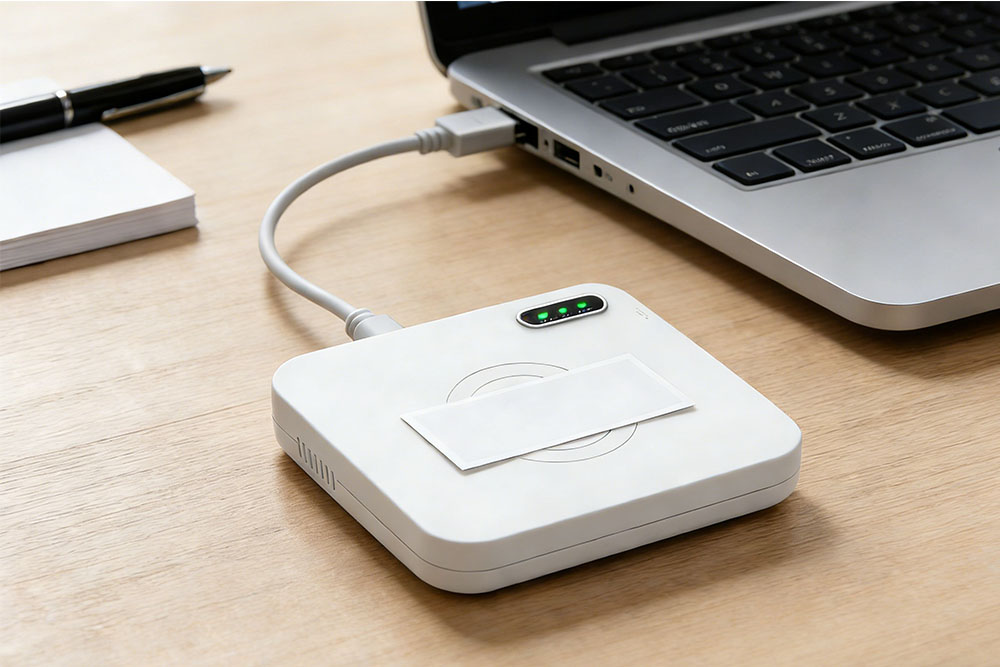
A proper rfid scanner usb that’s clearly meant for controlled, near-field, desktop RFID tasks.
The CK-D1LA USB RFID Reader fits exactly into that gap.
What this device is (and what it isn’t)
Let’s be clear first.
This is not a long-range gate reader.
It’s not meant to read everything within a few meters.
It’s a near-field desktop RFID encoding device, designed so that:
- one tag is on the desk
- one tag gets written
- nothing else around it is touched
Honestly, that level of control is what you want for issuing tags.
You put the tag down, it gets written, done. No surprises.
USB-powered, which matters more than it sounds
At first glance, “USB-powered” sounds trivial.
But in real offices and retail back rooms, it’s actually a big deal.
The CK-D1LA runs entirely off USB power:
- no external adapter
- no special wiring
- no IT arguments
You plug it into a laptop or desktop and that’s it.
That makes it a very clean fit for:
- office desks
- retail counters
- temporary badge stations
- library service desks
It behaves like a peripheral, not like infrastructure.
Fast writing, but in a controlled way
One thing I didn’t expect at first was how fast it writes.
With output power up to 26 dBm, the tag writing is quick — noticeably quick — while still staying within a near-field working range. It supports ISO 18000-6C, so you’re working with standard UHF tags, not something proprietary.
The important part isn’t just speed.
It’s predictability.
You’re not accidentally writing to the wrong tag because someone placed a stack too close. That’s the whole point of a controlled desktop RFID setup.
SDK support that actually fits real systems
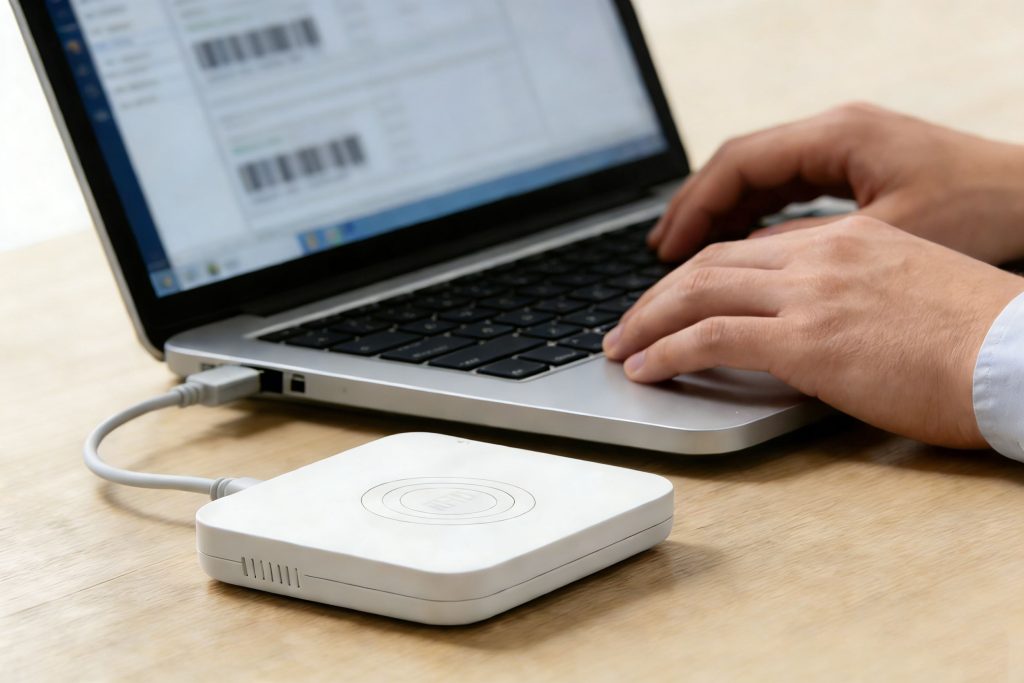
From an integration point of view, this is where the device becomes useful for real projects.
The CK-D1LA comes with an SDK that supports:
- C#
- Java
Which, frankly, covers most internal systems used by:
- libraries
- retail management platforms
- event management software
- internal asset or badge issuance tools
You’re not forced into some closed demo environment. You can embed the reader logic directly into your own system workflows.
Demo software: underrated, but practical
I usually don’t care much about demo software — but here, it actually helps.
The CK-D1LA includes demo software that supports:
- automatic tag encoding
- batch writing
- tag filtering
And the key thing: no complex setup.
For daily operations like issuing tags or badges, that means non-technical staff can handle it without calling IT every time. You’ll notice how much friction that removes in real use.
Typical desktop use cases (the realistic ones)
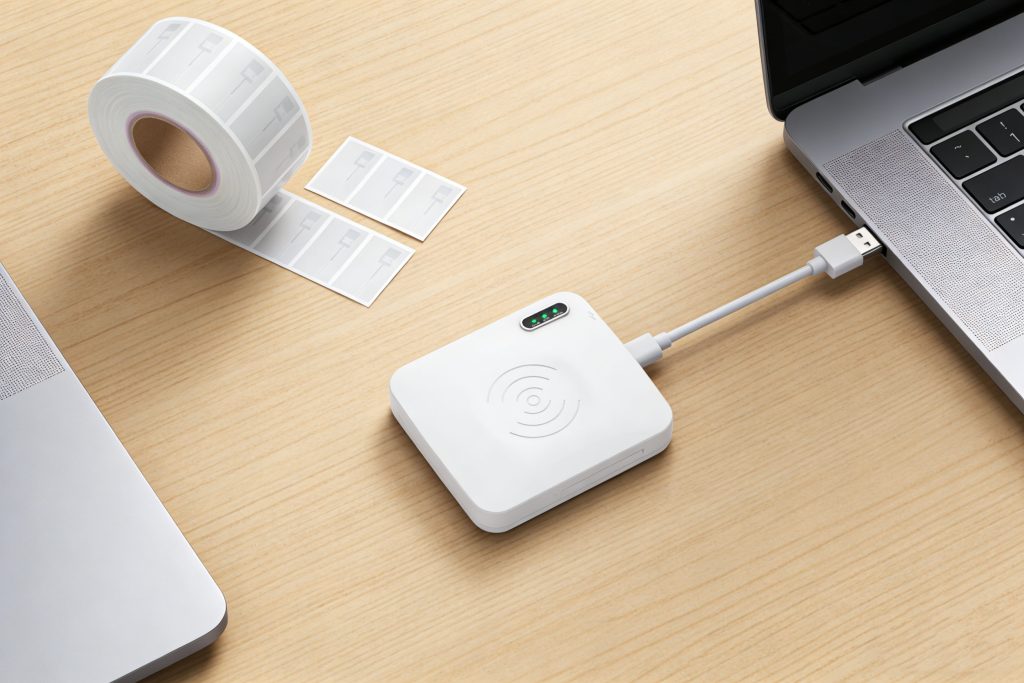
This rfid scanner usb shows up a lot in very specific, very practical places:
- Library RFID tags
Encoding and issuing book or media labels at the desk. - Retail shelf labels
Writing tags during inventory preparation or updates. - Event badges
Fast, controlled encoding without miswrites. - General desktop RFID work
Any situation where one tag at a time matters.
It’s not flashy. It’s just reliable.
Who this device is really for
From what I’ve seen, the CK-D1LA makes the most sense for:
- system integrators building desktop RFID workflows
- IT teams supporting internal tag issuance
- libraries and retail operators who don’t want complexity
- event organizers who need speed without chaos
If you need long-range reads, this isn’t it.
If you need clean, controlled, repeatable desktop RFID encoding, it fits.
Final thought
I didn’t expect to spend this much time using a USB RFID reader — but once you put it on a desk and see how quietly it does its job, it makes sense.
The CK-D1LA USB RFID Reader doesn’t try to be everything.
It focuses on one thing: making everyday desktop RFID tasks simple, fast, and predictable.
And honestly, for a rfid scanner usb, that’s exactly what it should do.


评论
发表评论