Building Flexible and Open USB RFID Tag Writing Solution
In smart manufacturing, warehouse logistics, and asset management, RFID tag writing has become a core requirement for efficient automatic identification systems. For businesses that need to encode and write large batches of tags with specific information—such as material codes, IDs, or serial numbers—choosing a USB RFID Reader that supports secondary development and scalable integration is key to building a stable and efficient RFID system.
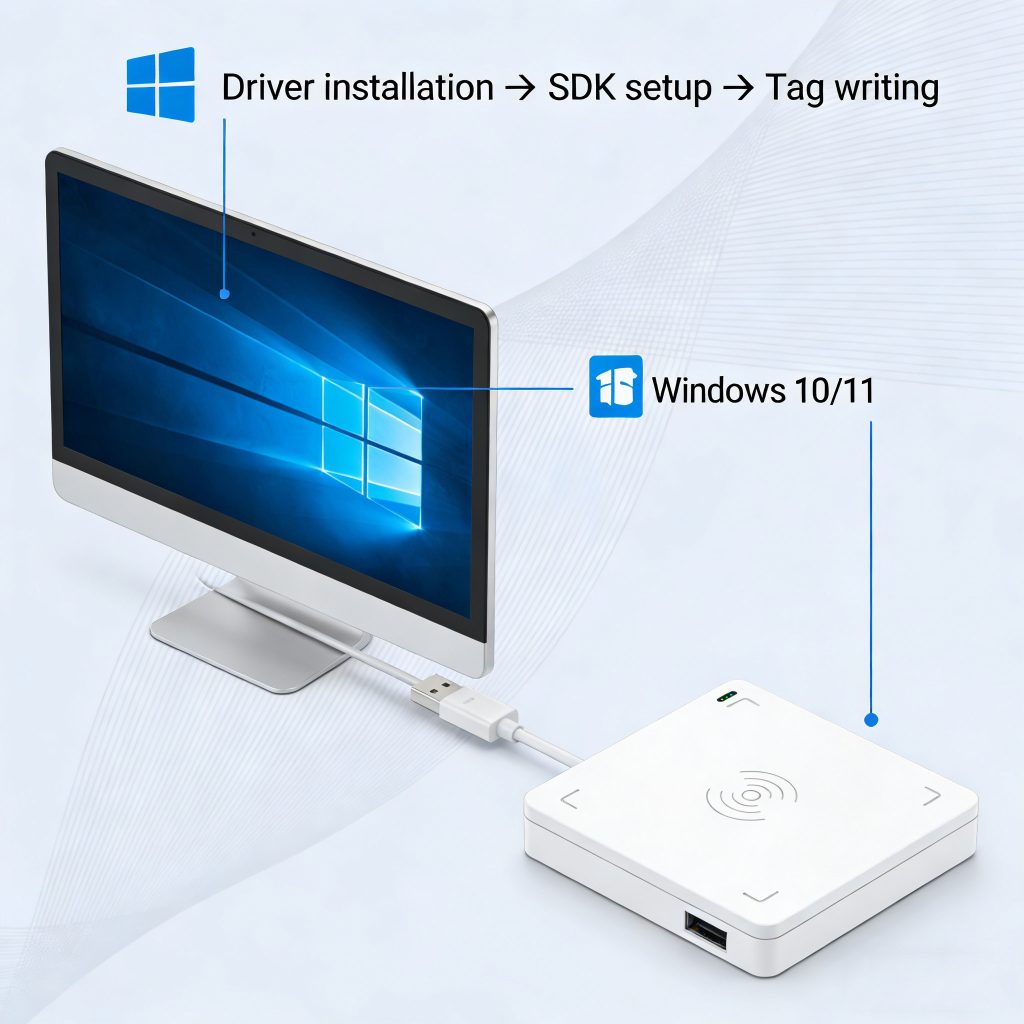
USB RFID Reader ,Connect Desktop Rfid Tag Writing and Rfid System Integration
Usually,USB RFID Reader connects to PC or embedded device via USB interface, it is supporting both reading and batch writing of RFID tags. Key advantages include:
Plug-and-play USB connectivity;
Support for mainstream RFID protocols like EPC Gen2 / ISO18000‑6C;
Integration with existing software or ERP/WMS systems for automated writing and inventory management;
Rich SDK and API interfaces that enable secondary development and custom applications.
If you want to see how to install and configure a USB RFID Reader on Windows systems, you can follow this no-frills guide for Windows 10/11to quickly get started with testing and setup.
For users encountering driver issues or looking to start scanning immediately, this Windows 11 installation and driver troubleshooting guide is very helpful.
For full product specifications, capabilities, and development support, check out the USB RFID Reader product page
, which highlights hardware designed for tag writing and integration.
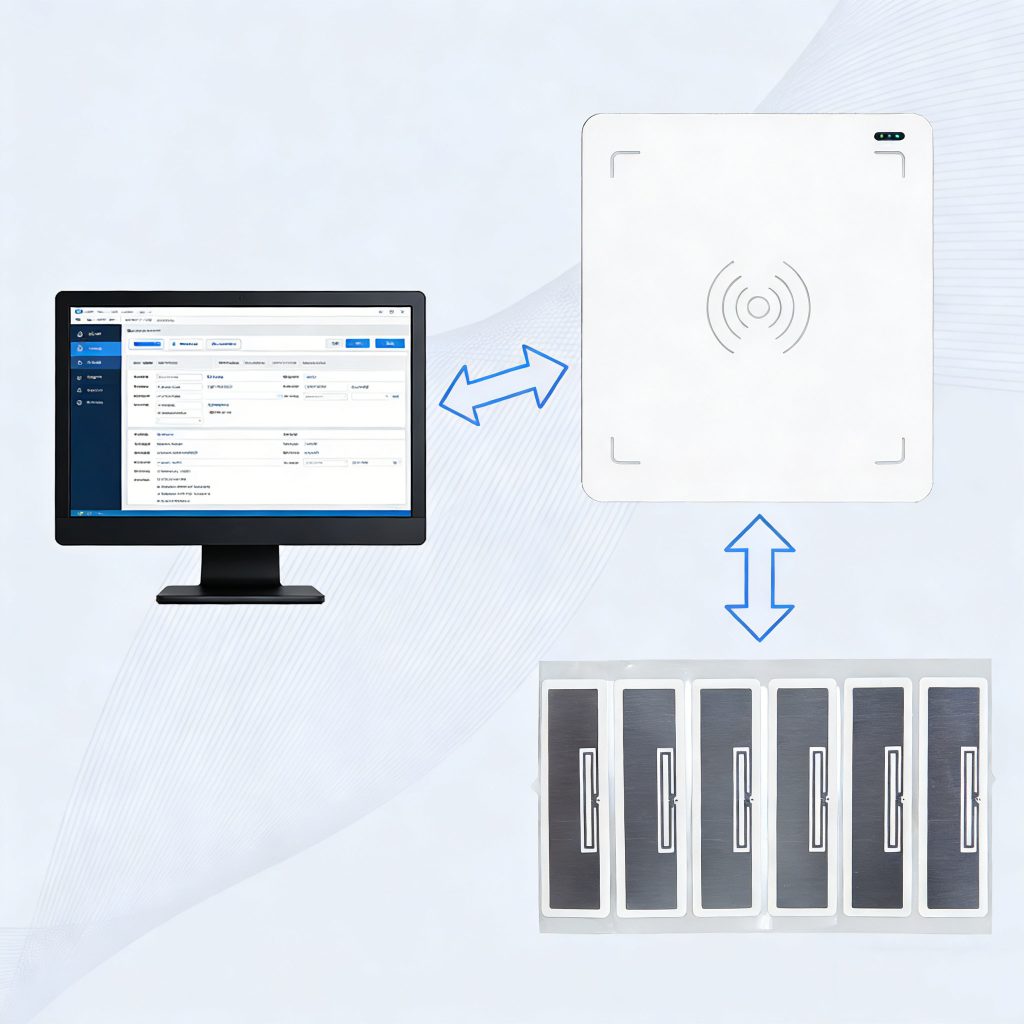
Why Open Secondary Development More Than Plug-and-Play
USB RFID Reader is whether it supports secondary development (Open SDK) has huge benefits for enterprise deployment and application expansion:
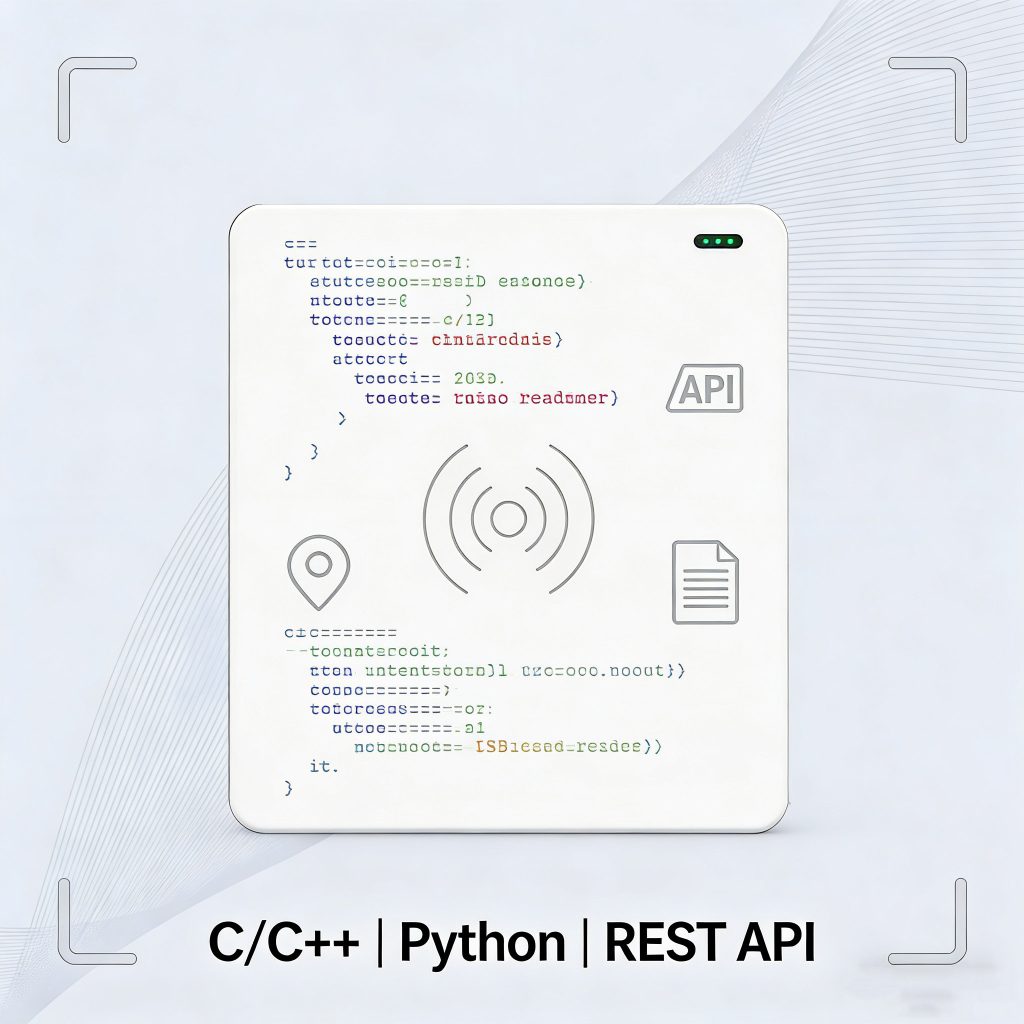
Cross-platform support — High-quality USB RFID Readers provide SDKs in C/C++, C#, Python, Java, etc., enabling developers to quickly implement tag reading and writing on Windows, Linux, or embedded systems.
Sample code and demos — Example projects or source code allow engineers to build custom tools or automated systems quickly, instead of starting from scratch.
Deep hardware control — APIs allow the control of antenna power, write formats and protocol parameters, make devices operate according to specific requirement .
Open secondary development let RFID tag writing more simple to inventory management, production lines, or data collection systems, Creat complete automatic identification ecosystem.
Compared to simple USB readers that only function as keyboard emulators, open-development USB RFID Readers offer far greater capabilities for complex business scenarios.
Usual Applications
Batch Tag Encoding
Factories, logistics centers, or warehouses can pair USB RFID Readers with batch processing software to automatically write pre-defined data to large numbers of tags, greatly improving efficiency.
Inventory and Asset Management
During inventory receipt or asset issuance, USB RFID Readers connected to backend systems can write tag information in real-time and record logs, replacing manual operations.
Custom Smart System Integration
In smart factories or intelligent logistics systems, different modules can directly call RFID writing functions through development interfaces, making RFID read/write a part of automated workflows rather than a standalone device.
Getting Started: From Installation to Development
If you’ve just received a USB RFID Reader that supports development, here’s a basic workflow:
Install drivers
Even though Windows 10/11 can auto-detect USB RFID Readers, downloading the latest drivers from the manufacturer ensures stability.(Installation guide)
Test basic functionality
Use the demo software to verify read/write capabilities and confirm proper device connection.Integrate SDK / API
Review the provided development kit (DLLs, libraries, or REST APIs) to understand how to call tag reading and writing functions. (USB RFID Reader product page)
Integrate into your own system
Write code to perform batch tag encoding, database syncing, or automated task processing.
Conclusion
As a focused on RFID tag writing solutions provider , Choosing USB RFID Reader ,You must consider The rfid supplier whether supports secondary development and open integration ,it is important for build long-term, scalable system. With comprehensive SDK support, flexible interface control, and standardized protocol compatibility, these devices enable automated tag writing, smart inventory management, and other core business processes, creating more possibilities for digital transformation.For detailed installation guides and usage tips, refer to:
How to install and configure a USB RFID Reader on Windows 10/11
Windows 11 driver troubleshooting and fast scanning guide
USB RFID Reader product page


评论
发表评论