Impresoras RFID in Action: Selection from Office to Production Line
The First Lesson with RFID Printers
In the RFID world, many people buy their first RFID printer thinking: “As long as it prints labels, that’s enough.”
But once it’s set up in the office, they quickly realize: this machine not only needs to “print text,” it must also encode EPCs, support different chips, and match with the right consumables.
I remember the first time I set up a desktop RFID printer in the office. Just to find labels that could be encoded consistently, I had to visit three different suppliers. The conclusion was clear—buying the wrong device hurts far more than buying an expensive one.
Types of RFID Printers (Desktop vs Industrial)
- Desktop Models:
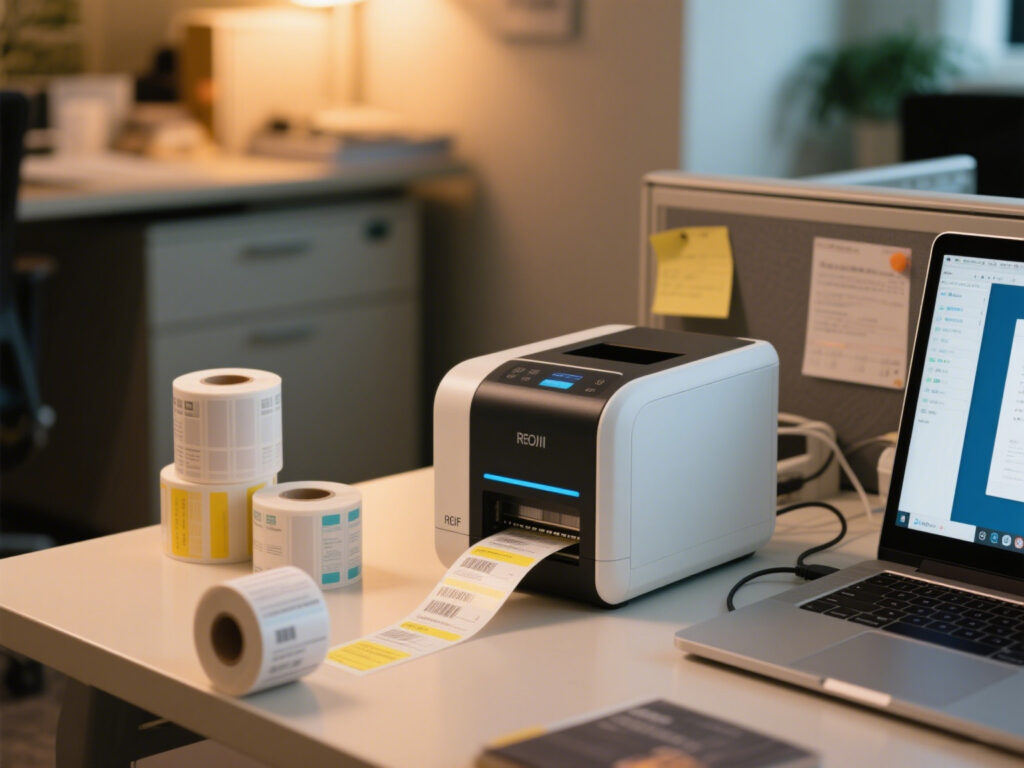
Compact size, designed for up to ~500 labels per day, ideal for offices or retail stores.
Pros: Affordable, easy to use.
Cons: Limited printhead life and slower speed. - Industrial Models:
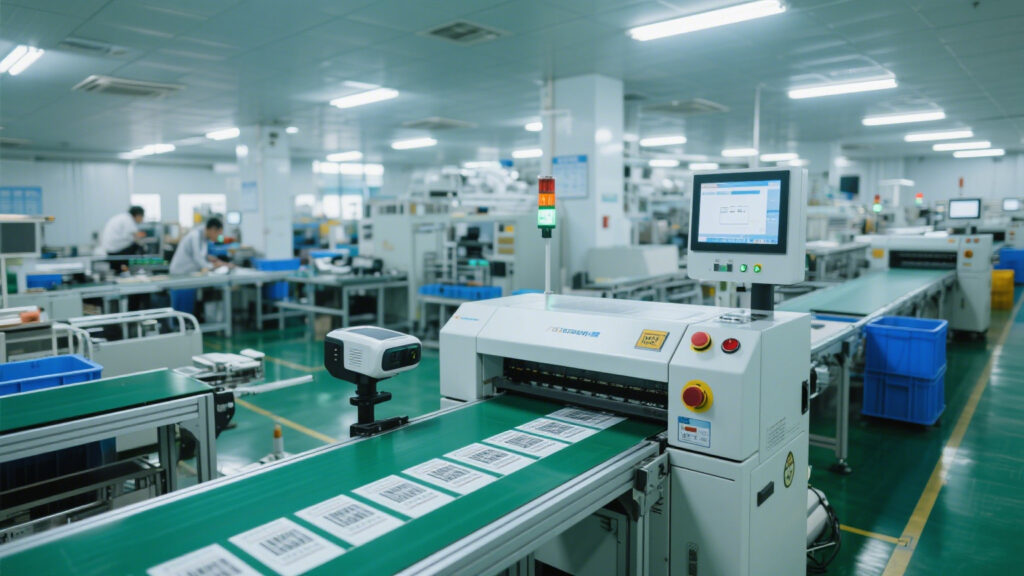
Heavy-duty machines built for 24/7 operation, handling 3,000+ labels per day—perfect for warehouses, cold chain logistics, and manufacturing plants.
Pros: Reliable, fast, designed for continuous operation.
Cons: The price tag hurts.
Core Selection Criteria
- DPI (Print Resolution): Higher isn’t always better. In the industry, people say “just enough is fine.” Too high can cause material jams.
- EPC Encoding Stability: Veterans always stress: “Stability is king,” especially in high-speed modes.
- Tag Compatibility: Confirm whether you need UHF or HF. Otherwise, you’ll end up on site with a pile of incompatible tags.
- Ribbon & Label Material Matching: Known as the “recipe” in the industry. If this isn’t tuned properly, prints will look like scratched-off lottery tickets.
Common Pitfalls
- Desktop ≠ Cheap: Some branded consumables are so expensive they make you question your life choices.
- Industrial ≠ Always Reliable: In one cold chain warehouse, error rates for industrial printers spiked to 12% under high humidity.
- Used ≠ Savings: A client once bought a so-called “80% new” unit—turned out the encoding module was dead. Straight to scrap.
Installation & Calibration Details
- Interface Compatibility: Confirm if the PC uses USB, serial, or Ethernet—don’t wait until the site visit to realize it won’t connect.
- Firmware Versions: Old drivers can conflict with new firmware, causing startup errors.
Tuning Tips:
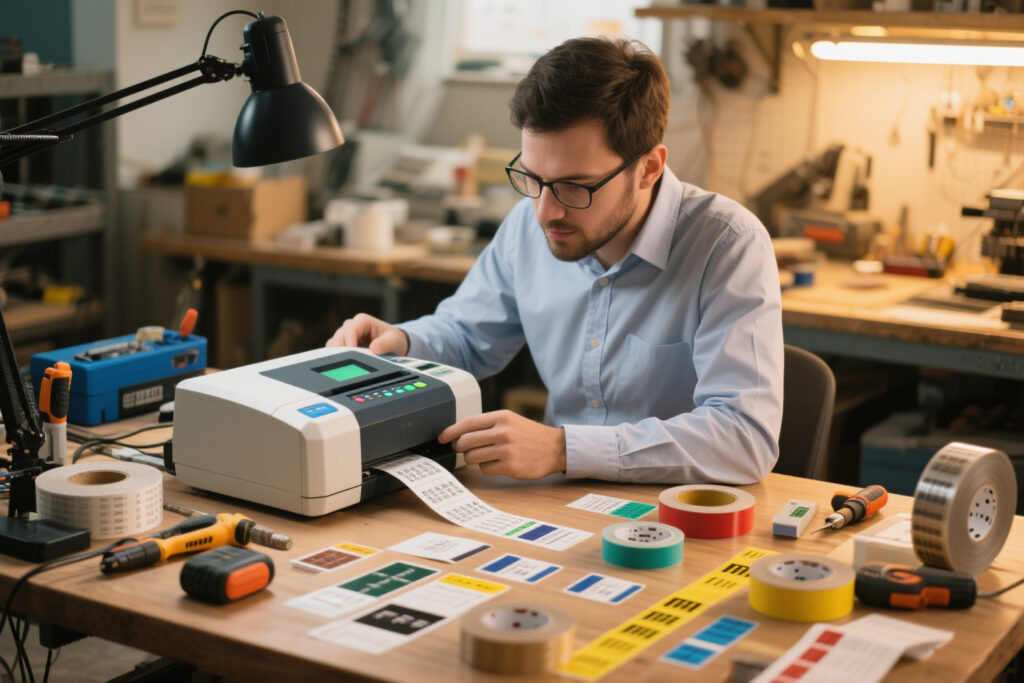
- When writing EPC for the first time, start at 2 IPS (inches per second) and gradually increase.
- Don’t max out printhead temperature immediately—start at +10°C increments to avoid burning labels.
- If write failure rate exceeds 3%, stop immediately and troubleshoot. Never force it to run.
Conclusion & Advice
- Buy based on your scenario, not just your budget.
- Treat the printer and tags as one system—select them together, not separately.
- Leave some “buffer room” for your device, especially in extreme temperature or humidity conditions.


评论
发表评论