How to Choose a USB UHF RFID Reader: From “Desktop Gadget” to “Factory Warrior” – Lessons Learned
Reality Meets Limitations
When you first get a USB UHF RFID reader, you might focus only on the advertised “50 tags/s” speed—only to find it struggles to reach 30 tags/s on the factory floor, requiring you to experiment yourself.
A USB UHF RFID reader sounds like it should be “plug and play,” but in reality, there are always unexpected hurdles: insufficient power, interference overload, or incorrect antenna orientation. This article combines vendor data with my own hands-on experience in both warehouses and labs.
Common Market Solutions
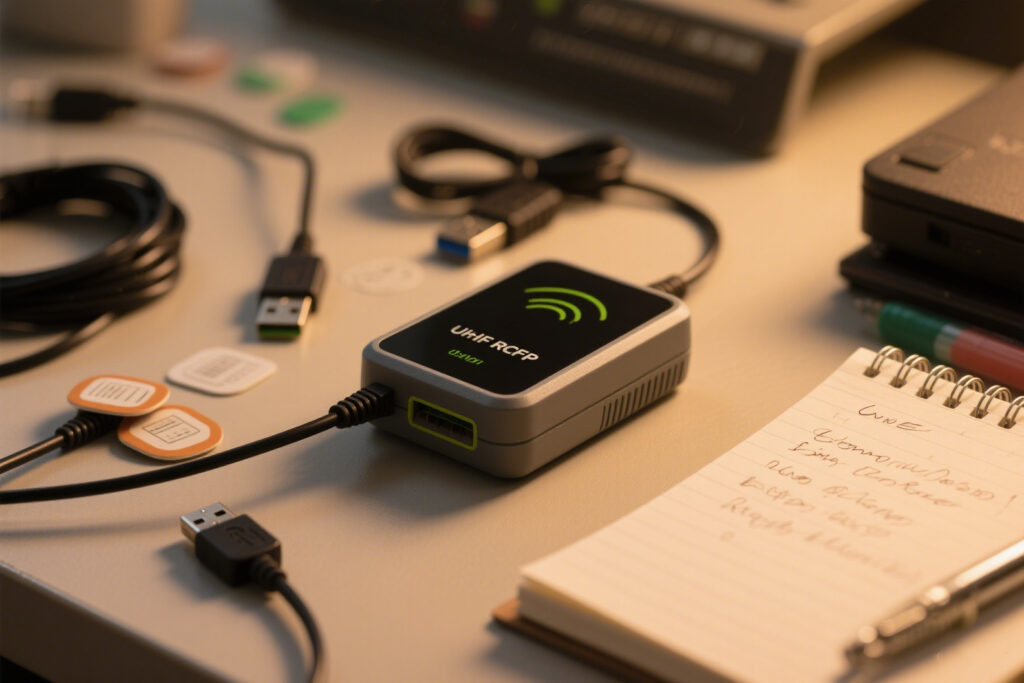
Desktop Readers: Compact and USB-powered, marketed as “no external power required.” Ideal for desktop testing and tag initialization, but limited housing heat dissipation may cause throttling during prolonged full-power operation.
Portable Readers: Offer USB and sometimes Bluetooth/wireless connectivity for mobile testing, but require additional battery management, and stability is lower compared to fixed devices.
Industrial Readers: Usually rack-mounted or housed in metal, strong anti-interference capabilities, suitable for large-scale continuous reading. Volume and price start much higher.
Hands-On Pitfalls
- First Test: In a 35 m² lab, the antenna faced metal shelves, and most tags failed to read. I initially thought the device was faulty. Adjusting the angle and adding barriers solved the issue.
- Power Adjustment: Reader output ranges from -5 dBm to +30 dBm. Using maximum power initially interfered with nearby phones; reducing to +15 dBm slightly lowered read speed but stabilized performance.
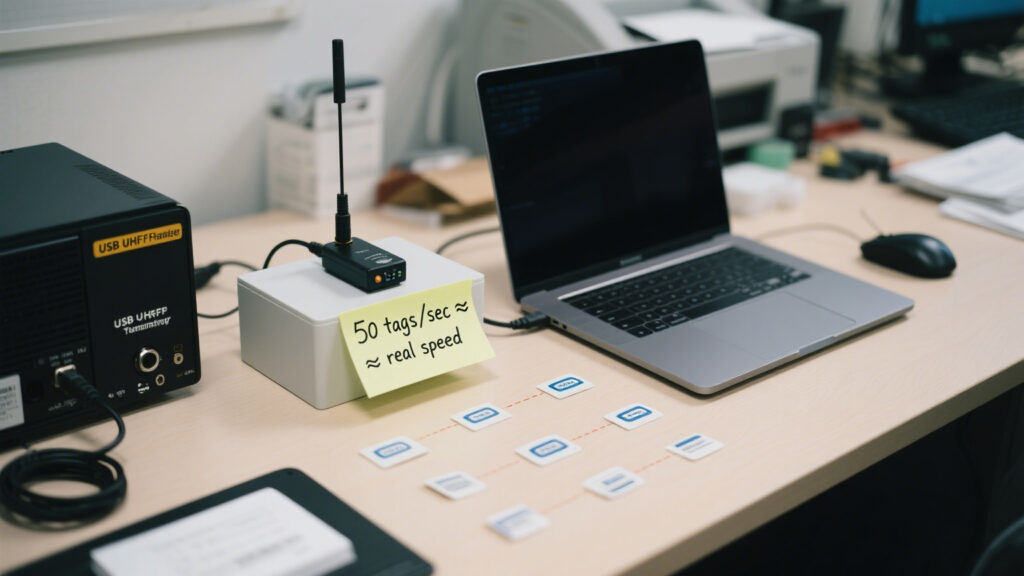
- Scenario Numbers: Advertised 50 tags/s; stable lab performance 28 tags/s; in the factory 18–22 tags/s is considered successful.
Takeaway: Table specs are just a starting point—environmental noise, tag orientation, and antenna placement are all critical.
Industry “Hints”
- All EPC Gen2-compliant UHF readers can theoretically write tags, but implementation and firmware optimization vary significantly.
- Wireless readers without USB are available, but expensive and suited only for specific operations.
- Desktop reader “stability” isn’t absolute, especially in spaces with lots of metal and wireless devices.
Execution Checklist
- Drivers & APIs: Always install the SDK with drivers that match the exact device model; otherwise, the reader may not be recognized.
- Antenna Layout: Built-in antennas read 1–1.2 m; large areas require high-gain external antennas.
- Power Tuning: Excessive power can trigger alarms or interference; too low reduces read distance. Adjust gradually based on onsite noise tests.
- Tag Orientation: ISO18000-6C tags perform poorly when reversed; maintain consistent orientation during labeling.
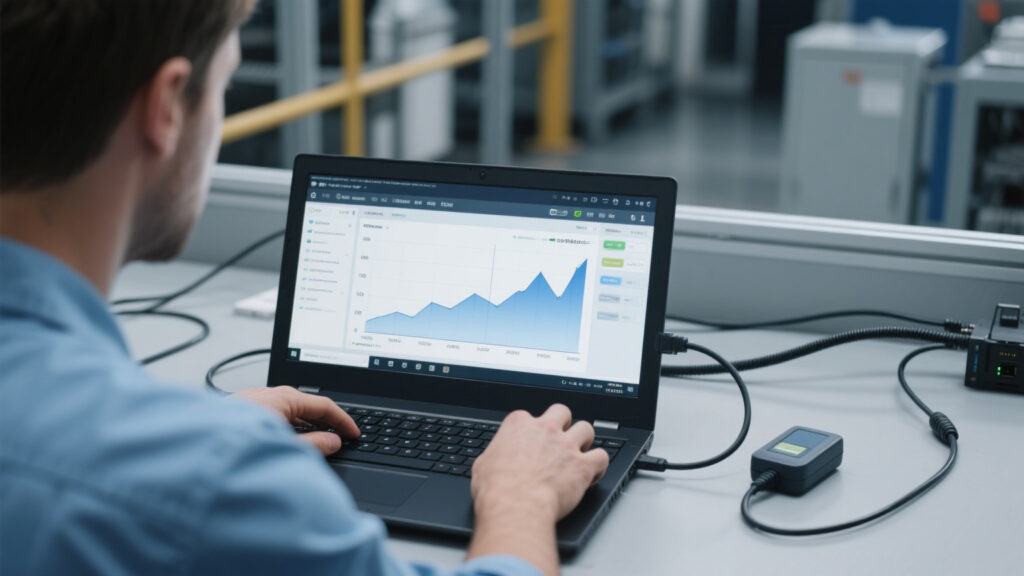
- Log Analysis: GUI shows only the surface; communication logs reveal CRC errors and ACK packet loss.

Acknowledging Limits:
USB readers are convenient, but antenna tuning and power adjustment make them less “plug and play.” High theoretical performance is rarely achieved—stable 20 tags/s onsite is often satisfying. Even with hardware knowledge, I still needed IT help for driver installation.
Reality Check:
If you think specs alone will save you, you haven’t tried reading tags in an 11°C warehouse. Selecting a USB UHF RFID reader is not just about checking datasheets—it requires a mindset ready for “pitfalls” and strong onsite debugging skills to achieve reliable performance in real-world conditions.


评论
发表评论